- To
- guest@company.com
- Cc
- ppaul@ccpaul.com
Hi there — would love to catch up next week.
Paul, find us 30 minutes and book a room.
Paul works from your inbox
Paul replies in the thread, finds a time, books the room, and reschedules when plans change.
Free during early accessNo card required
Hi there — would love to catch up next week.
Paul, find us 30 minutes and book a room.
How to use Paul
Keep the conversation where it already lives. Paul reads the thread and handles the coordination.
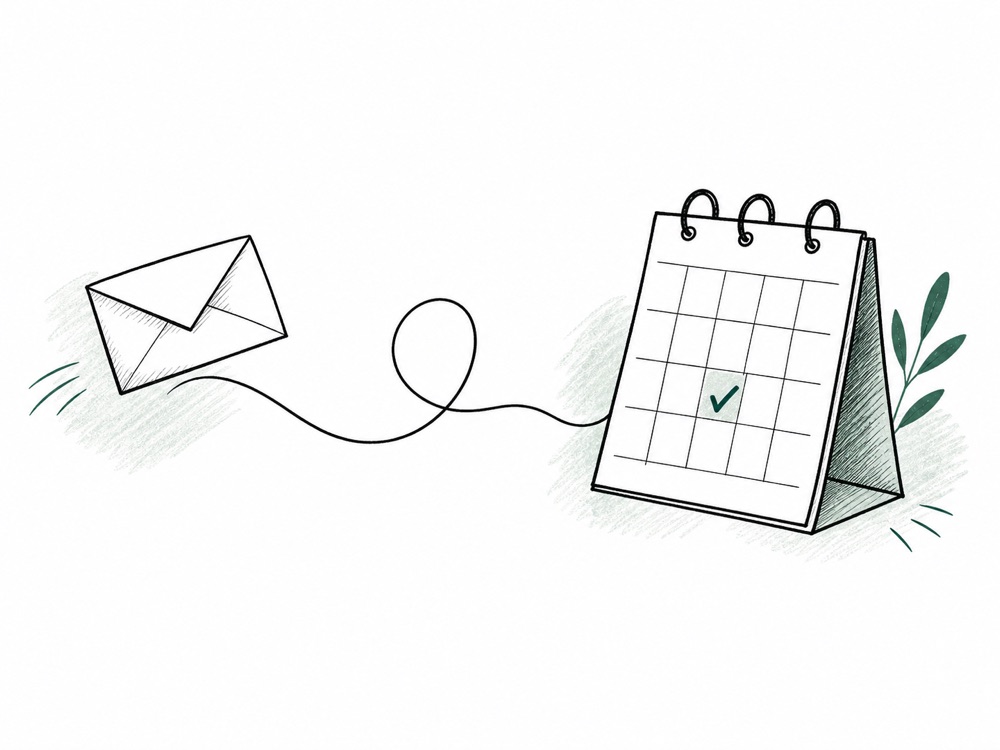
Add Paul to the thread
Write one normal sentence
“Paul, move this to Friday.”
Press send
01 Scheduling
CC Paul once. He checks availability, coordinates with the other person, and sends the invitation without another scheduling tab.
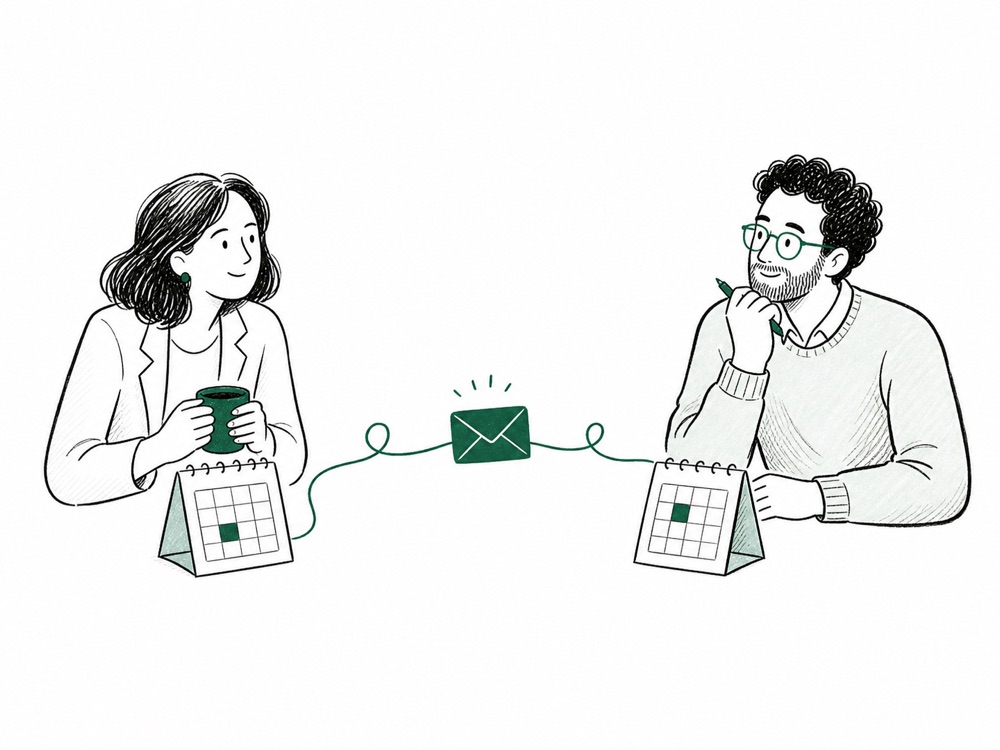
In-person meeting?Paul can reserve available room resources in Google Calendar and Outlook.
Your tools, in the loop
Calendar integrations support Paul’s scheduling workflow without adding another tool to learn.
Paul currently connects to Google Calendar and Outlook Calendar. Shared-room search is available when either provider exposes room resources.
Useful access, bounded actions
The early product is deliberately conservative about who can give instructions and which meetings it may change.
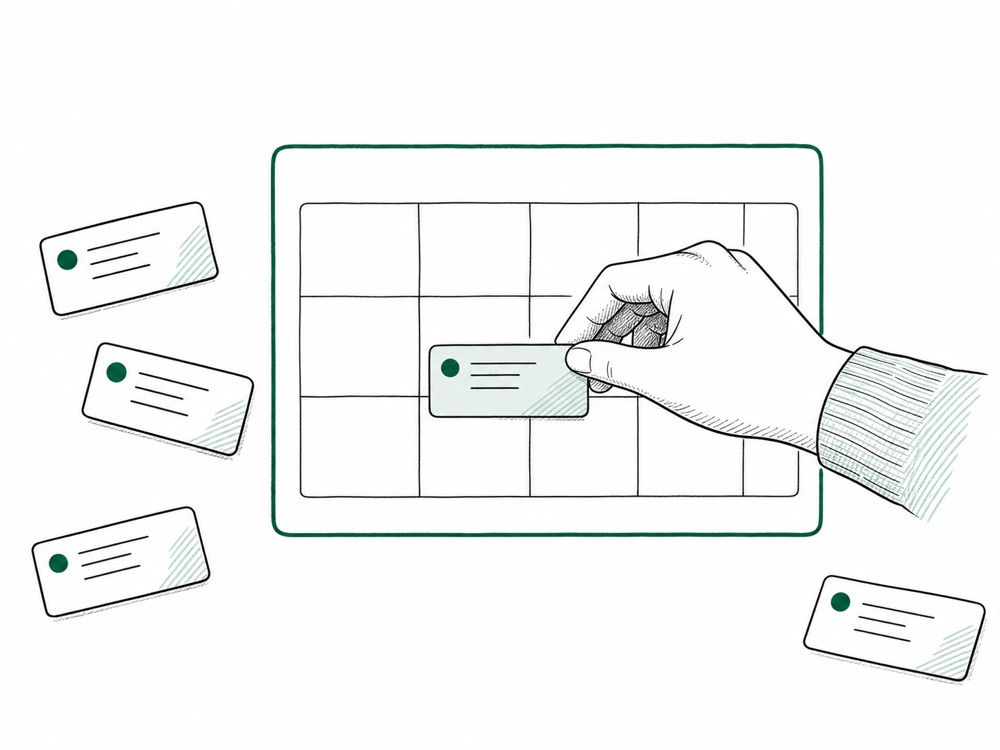
Only the verified account owner can ask Paul to act on their calendar.
An unknown sender cannot take over a thread after its owner has been established.
Paul only reschedules or cancels events that Paul created.
If a request is unclear, Paul pauses and asks instead of silently changing your day.
Questions, answered plainly
Google Calendar and Outlook Calendar. Choose the matching OAuth button to create your account and connect that calendar in one step.
Yes, when Google Calendar or Outlook Calendar exposes room resources for the connected account.
No. During early access, Paul only reschedules or cancels events that Paul created. That boundary prevents accidental changes to unrelated events.
Scheduling currently supports one external attendee. If several people are included, Paul asks which participant to schedule with and then continues automatically.
Paul is free during early access and no payment card is required. Pricing may be introduced later; there is no charge in the current product.
Free during early access
Connect your calendar, CC Paul, and hand off your first scheduling request.